
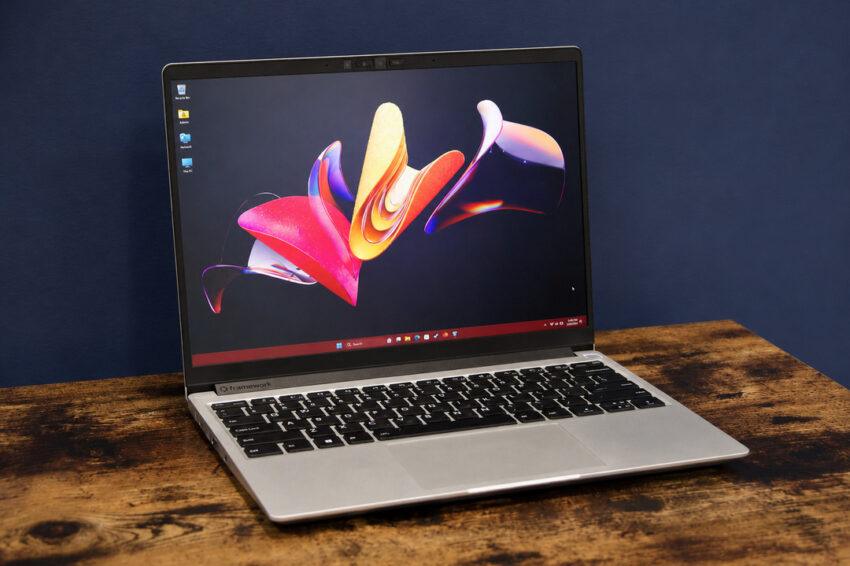
A Framework BIOS update is forcing an awkward question onto one of the PC industry’s strongest repairability brands: what does replaceable hardware matter if failed firmware can leave the motherboard unable to boot? Reports involving BIOS 3.20 on Ryzen 7040-based Framework Laptop 13 systems show why firmware recovery is becoming part of the repairability equation, not a niche tool for technicians.
The incident also fits a wider theme in PC platform coverage: more of a device’s useful life is being decided by software below the operating system. A modular laptop can offer replaceable ports, batteries, screens and mainboards, but a failed firmware flash exposes a different dependency—whether the machine has a supported path back to a working state.
A BIOS Update Should Not Be a Point of No Return
Firmware updates sit in an awkward position for laptop owners. They can deliver security fixes, stability improvements and hardware compatibility changes, yet they also operate at a level where failure can stop the machine before the operating system ever loads.
That makes BIOS reliability different from an ordinary software update. A broken application can usually be reinstalled, and a failed driver can often be rolled back. A corrupted firmware image can leave the user with far fewer recovery options, especially on a laptop without a dedicated flashback feature.
For a company built around repairability, that distinction carries extra weight. Framework has spent years making batteries, ports, displays and mainboards easier to replace, so users reasonably expect the same philosophy to extend to the software that initializes those components.
The deeper issue is not whether every firmware update can be made risk-free. It is whether a failed update can be recovered without turning a functioning motherboard into a replacement job. That question is now central to how repairable a modern laptop really is.
Framework BIOS Update 3.20 Turned a Routine Flash Into a Hardware Problem
Framework posted BIOS 3.20 for the Ryzen 7040 Framework Laptop 13 as a stable release on June 30, 2026. Its BIOS 3.20 release notes list support for Framework Laptop 13 Pro components, AMD platform firmware changes, security fixes and corrections for several boot, battery and audio issues.
For some owners, however, the update did not finish normally. Users described progress screens that stalled and systems that later became non-bootable. Framework says it has received reports involving a small percentage of 7040-series updates and is still investigating the root cause.
That distinction matters. There is not yet a published failure rate or technical postmortem proving that every failed update shares one mechanism. Many owners have installed the release successfully. Still, an official stable update that can leave even a subset of boards unusable creates a serious repairability problem because the failure occurs below Windows or Linux.
Repairability Cannot Stop at Screws and Replaceable Parts
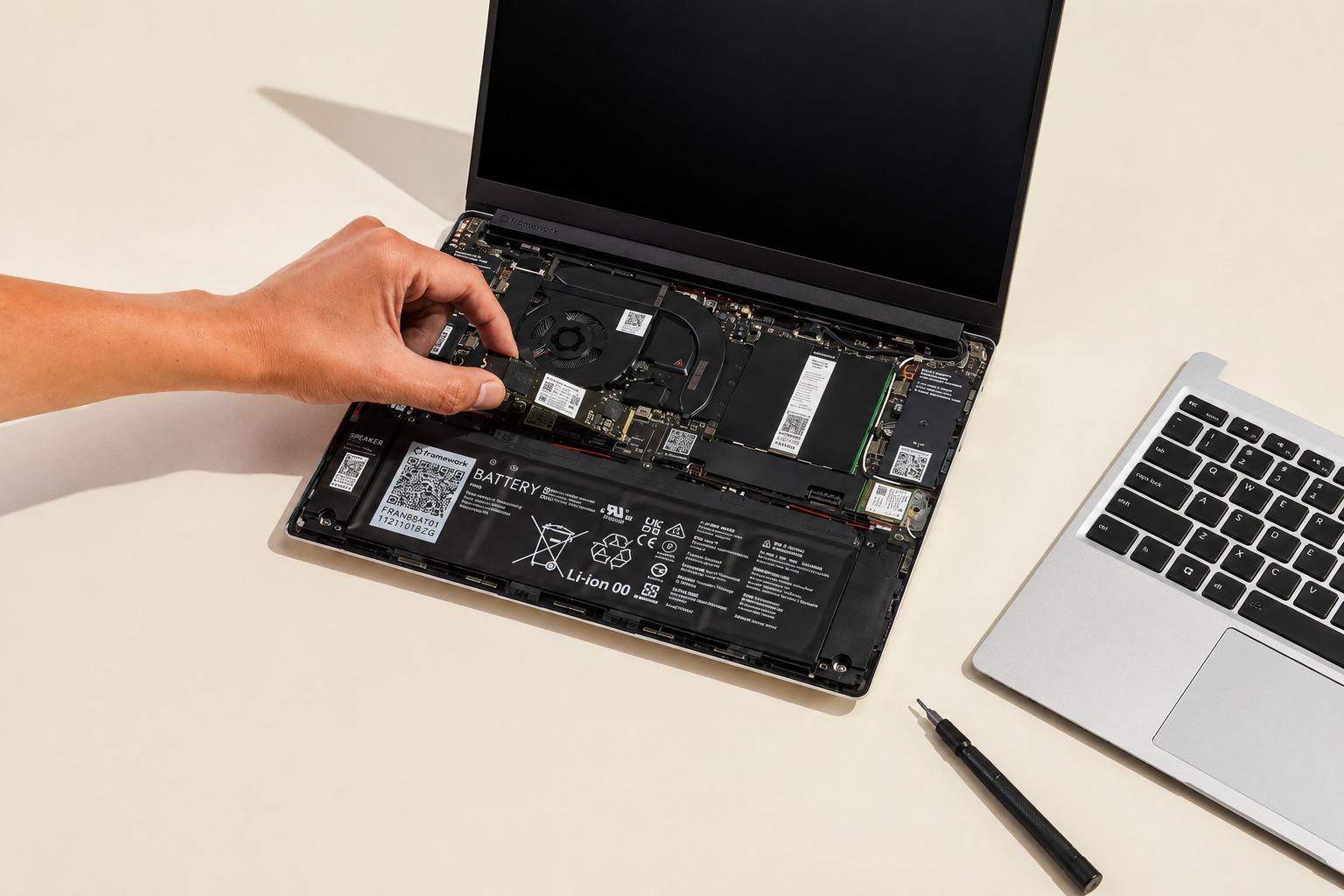
Framework built much of its identity around modular hardware. Owners can replace components, reuse mainboards and upgrade parts without treating the laptop as a sealed appliance. That model changes expectations when software distributed by the manufacturer causes a machine to stop booting.
A conventional support response might treat a dead mainboard as a replacement event. On a repairability-focused product, that is incomplete. If the physical board remains functional but its firmware cannot start, replacing the entire board is a costly answer to what may fundamentally be a recoverability failure.
This is the overlooked lesson: firmware is part of repairability. A product designed for a long service life needs not only replaceable hardware but also a credible method for surviving or reversing a failed low-level update.
The distinction is easier to see when the repair paths are compared directly.
| Repairability layer | Traditional expectation | Stronger recovery model |
|---|---|---|
| Battery or keyboard | Replace the failed part | Replace the failed part |
| Storage or memory | Swap the module | Swap or upgrade the module |
| Mainboard component | Service or replace board | Service or replace board |
| Failed BIOS update | Board may become unusable | Recover firmware independently |
| Warranty expiration | Customer may bear repair cost | Recovery remains technically possible |
A truly repairable computer should make the last two rows less dependent on a full motherboard replacement.
Crisis Recovery Mode Changes the Important Part of the Story
Framework’s response is more consequential than the BIOS bug itself. The company says it is making out-of-warranty replacement exceptions when it can confirm that a stable-release BIOS update caused a mainboard to become non-bootable. Its response to failed updates also confirms that the root cause remains under investigation.
It is also developing Crisis Recovery Mode, intended to provide a direct recovery path after a failed BIOS update. Framework says the functionality is already present in its latest Desktop BIOS and is being brought to Laptop 12, 13 and 16 product lines in upcoming BIOS release cycles.
That approach addresses the structural weakness revealed by the incident. Replacement boards solve individual failures after they happen. A recovery mechanism changes the product so that a failed flash does not automatically become a hardware-level service event.
For buyers who value longevity, that is a more meaningful improvement than another modular accessory.
A Recoverable BIOS Reduces the Cost of Keeping PCs Secure
Firmware updates are not optional forever. They can carry security fixes, platform updates, compatibility changes and bug corrections. Telling cautious owners simply to avoid BIOS updates can therefore create a different long-term problem.
The better design goal is safe failure rather than perfect updates. No vendor can guarantee that firmware installation will never fail because power, software and platform-specific problems can interfere with the process. Recovery architecture limits the damage when something does go wrong.
Desktop motherboards have long offered variations of BIOS flashback, backup firmware or recovery functions. Laptops have less room for physical recovery controls, but the underlying consumer expectation is becoming similar: a corrupted update should not automatically turn a working computer into an expensive board replacement.
That becomes especially relevant as laptops stay in service longer and receive more firmware updates across their useful lives.
The Next Test Is How Recovery Works in Practice
Framework’s planned feature still has to prove itself. The key questions are whether Crisis Recovery Mode can operate when the primary BIOS image is corrupted, how owners initiate it, what hardware or external media it requires and whether the process is documented clearly enough for ordinary users.
Support policy matters too. Recovery must be accessible, not merely technically possible for someone comfortable attaching an external programmer to a firmware chip. A feature marketed as part of repairability needs a procedure that does not assume electronics-repair experience.
Framework also needs to explain the root cause of the Ryzen 7040 failures once its investigation is complete. That will determine whether BIOS 3.20 itself, a particular update path, device state or another factor created the non-bootable condition.
Until then, owners considering an update should check the current release notes and support guidance for their exact Framework model rather than assuming that instructions for another generation apply.
The Framework BIOS Update Expands the Meaning of Repairable
The Framework BIOS update problem does not erase the value of modular hardware. It exposes the next layer that repairable-PC makers have to address. A laptop can be easy to open and still be difficult to recover when the software that initializes its hardware fails.
Framework’s replacement exceptions and planned Crisis Recovery Mode move the response in the right direction because they treat recoverability as a product feature, not an enthusiast workaround.
That standard should extend beyond one company. As firmware handles more security, power management and hardware compatibility, long-lived PCs need a reliable way back from failed updates. Repairability increasingly means being able to recover the machine as well as replace its parts.
Frequently asked questions
Which Framework laptops are affected by the BIOS issue?
The confirmed reports center on Framework Laptop 13 systems using AMD Ryzen 7040-series mainboards and BIOS 3.20. Framework has described affected updates as a small percentage and is still investigating the cause.
What is Framework Crisis Recovery Mode?
Crisis Recovery Mode is planned BIOS functionality designed to provide a direct recovery route when a firmware update fails. Framework says the capability already exists on its Desktop platform and is coming to several laptop lines.
Can a failed BIOS update permanently damage a laptop?
A failed firmware flash can leave a system unable to boot, even when the underlying hardware is still functional. Whether recovery is possible depends on the device’s firmware design and available recovery tools.
Is Framework replacing affected out-of-warranty mainboards?
Framework has said it is making some out-of-warranty replacement exceptions when it can confirm that a stable-release BIOS update caused the mainboard to become non-bootable.
Should Framework Laptop 13 owners install BIOS 3.20?
Owners should check Framework’s latest guidance for their exact model before updating. Because the investigation is ongoing, relying on current release information is safer than assuming experiences from another Framework generation apply.